Recipe book
CrumbBook.
All your recipes in one place.
Save the recipes you cook at home. When it's time to cook, CrumbBook shows one step at a time and turns the cook times in your steps into timers. Everything is stored on your phone and works without internet.
- App Store Coming soon
- Google Play Coming soon
Features
Built for the kitchen
Recipes, Cook Mode, timers, and a small kitchen reference.
Recipes
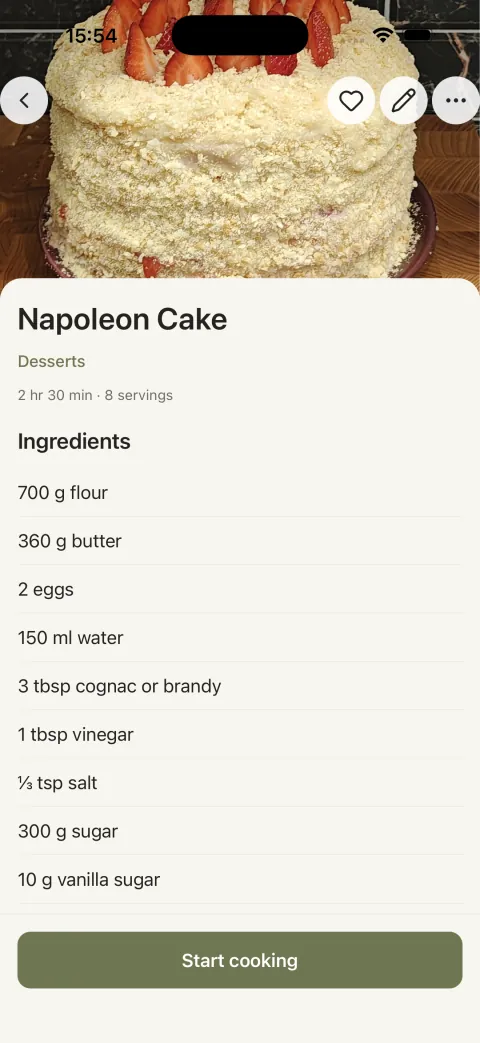
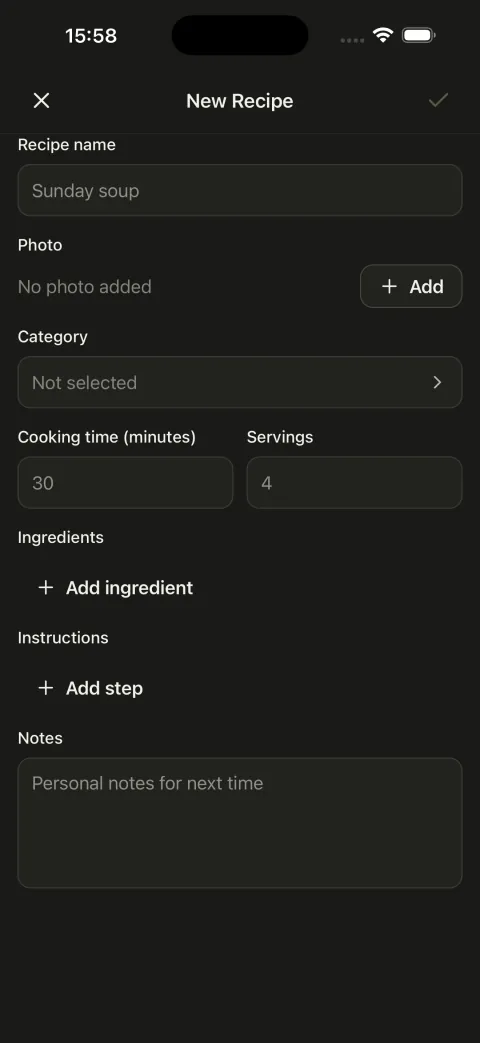
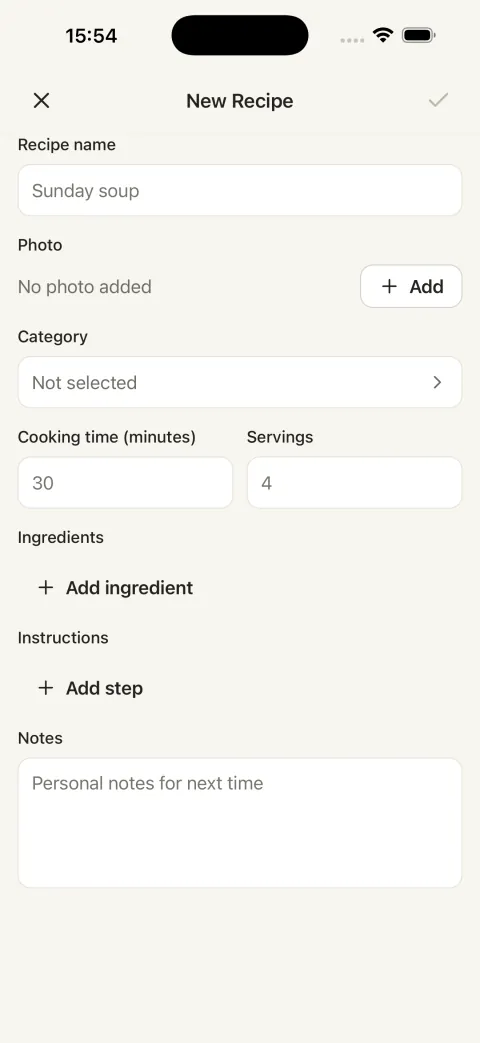
Ingredients, steps, a photo, and notes. Sort recipes into categories, mark favorites, and use search to find the one you need. Make a copy of a recipe to try a variation.
Cook Mode
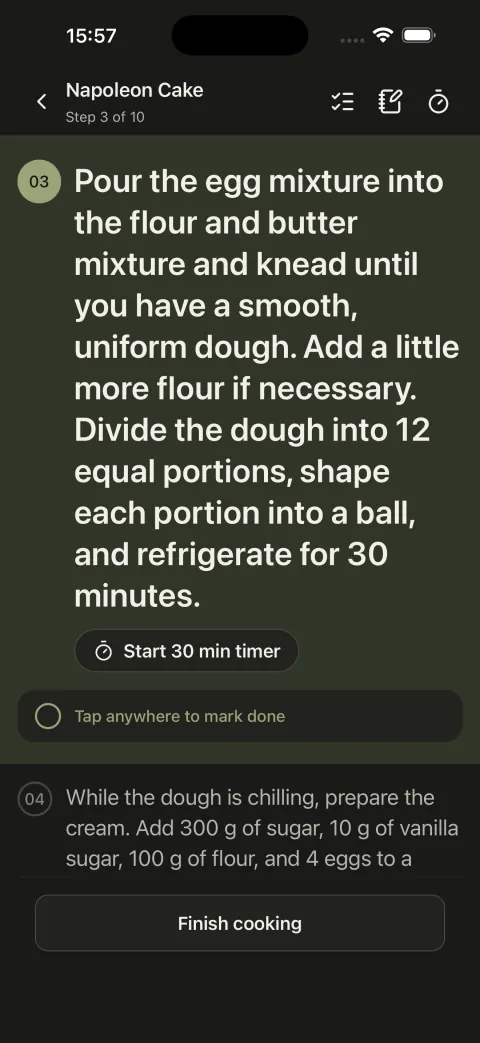
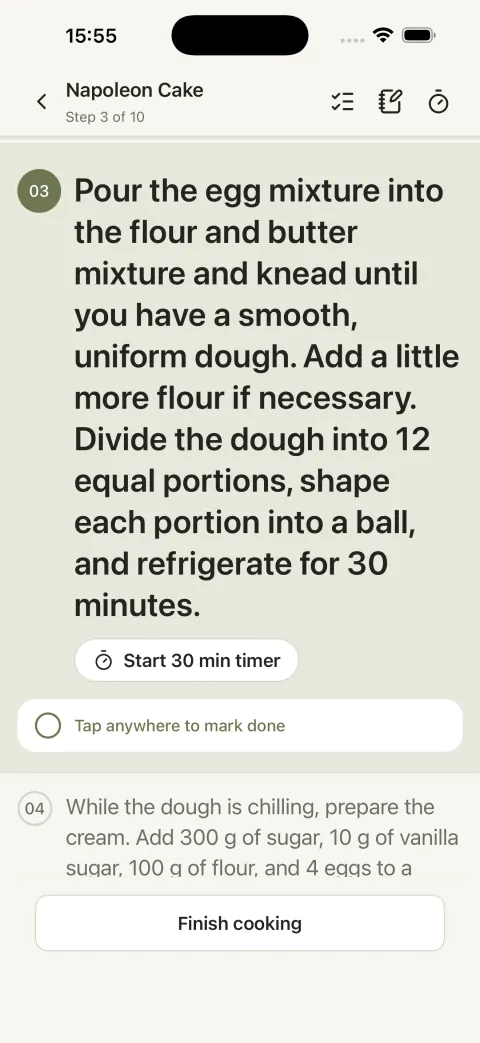
Shows one step at a time in large type. Tick off steps as you go and add a note to the recipe while you cook.
Timers
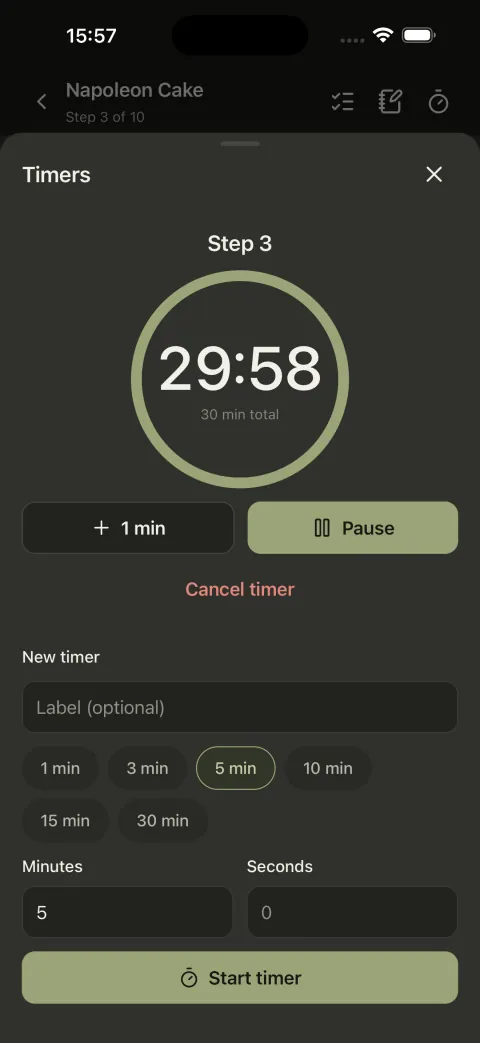
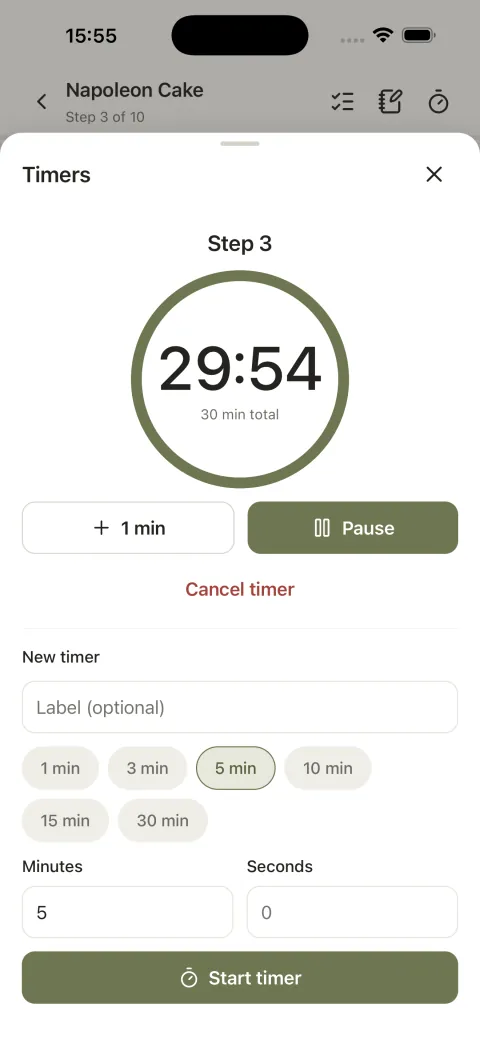
If a step says “simmer for 15 minutes”, the timer is one tap away. Several timers can run at once. When one finishes, you get a notification, and tapping it opens Cook Mode for that recipe.
Offline and private
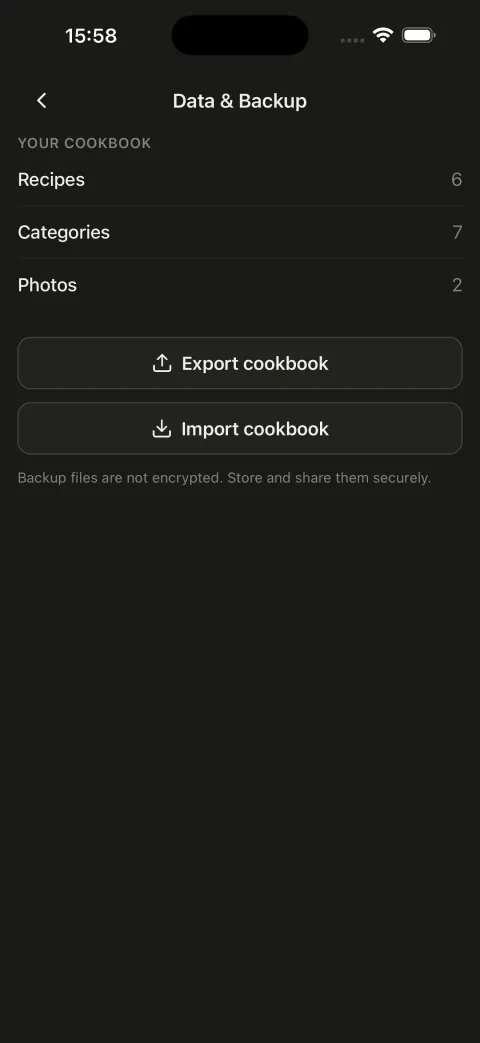
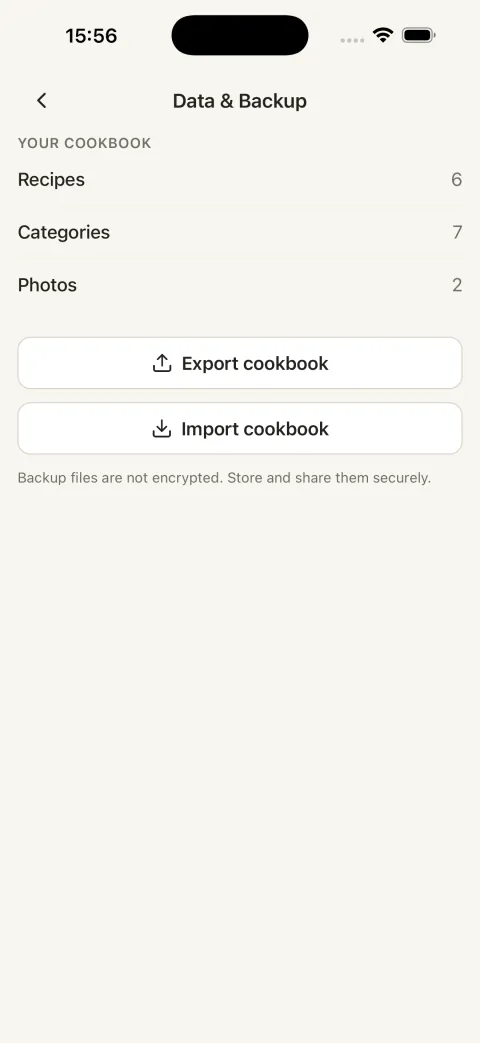
No account, no ads, no tracking. Recipes and photos are stored only on your phone. To move to a new phone, export a backup file and import it there.
Kitchen
Kitchen reference
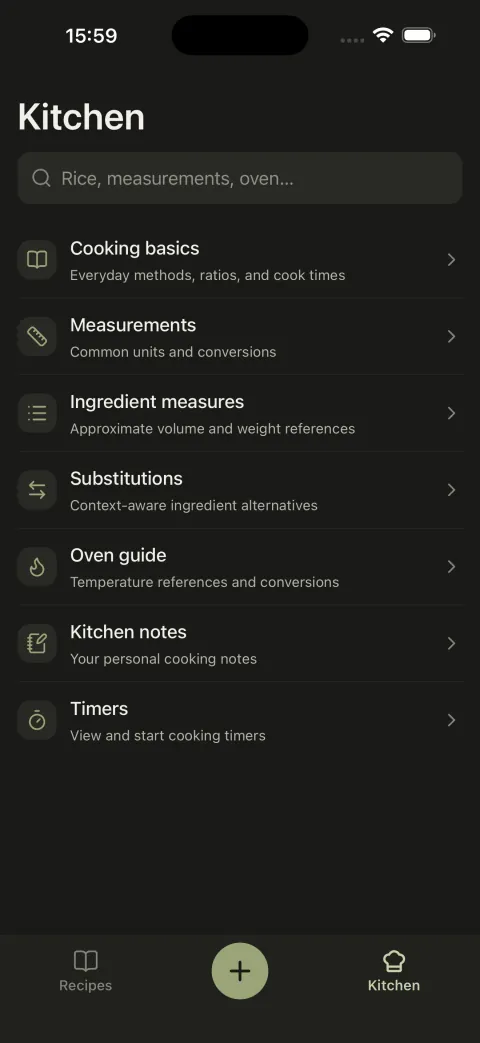
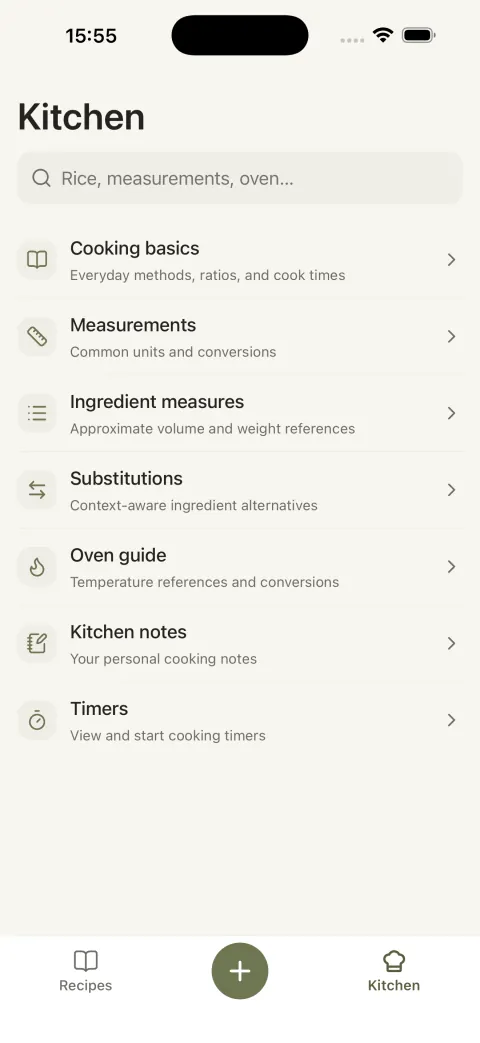
Short pages with the things you often look up while cooking.
- 01
Cooking basics
Eggs, rice, buckwheat, quinoa, oats, pasta, potatoes, legumes, and more: ratios, method, and cook times. Each page has timers you can start right away.
- 02
Measurements
Teaspoons, tablespoons, cups, ounces, and grams, plus a converter.
- 03
Ingredient measures
The approximate weight of a spoon or a cup of flour, sugar, butter, honey, and other ingredients.
- 04
Substitutions
What to use instead of buttermilk, eggs in baking, baking powder, and more. Each substitution says when it works and when it doesn't.
- 05
Oven guide
Oven settings from very low to very hot in °C and °F, and a note on fan ovens.
- 06
Kitchen notes
Your own notes that aren't tied to a recipe, like “my oven runs hot”.
Screenshots
What it looks like
Screenshots from the app
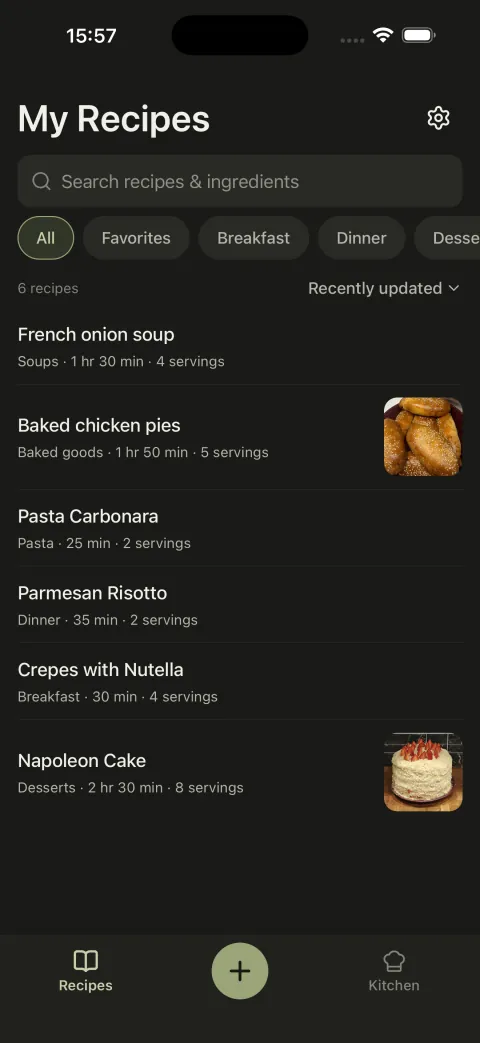
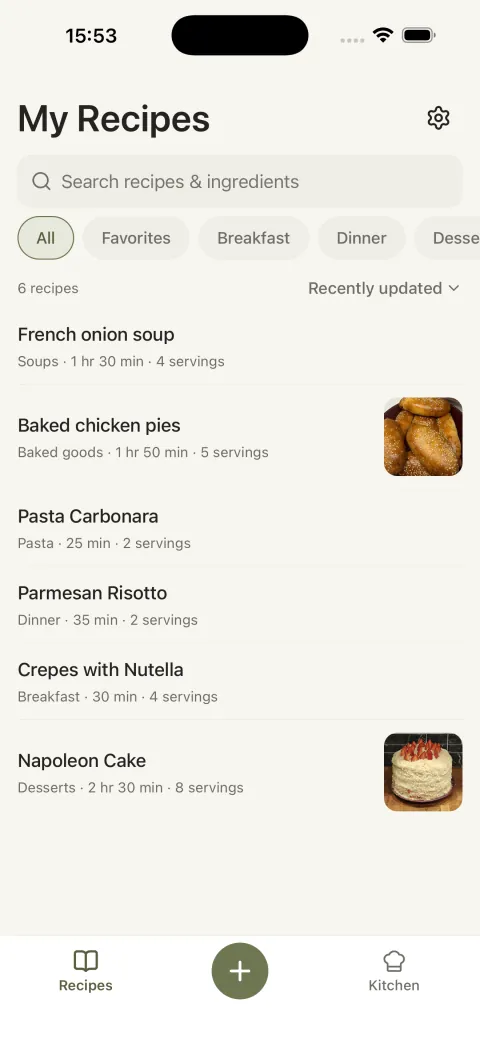
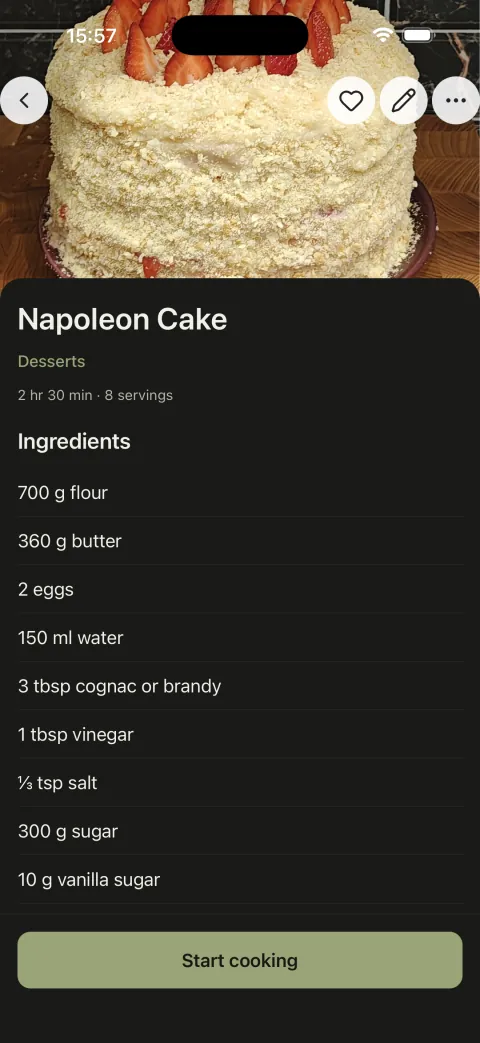
01 / 07
How it works
How it works
From a new recipe to dinner.
- 01
Add a recipe
Enter the ingredients and steps. Add a photo and a category if you want.
- 02
Find it
Use search, filter by category, or open your favorites.
- 03
Cook
Open Cook Mode and follow the recipe one step at a time.
- 04
Use timers
Start a timer from a step. You'll get a notification when it's done.
- 05
Add notes
Write down what you changed so you remember it next time.